 hollerpost
How-to videos: see it done, step by step.
Short narrated videos of the real Hollerpost screens. Most are under a minute. Each one has captions, written steps and a full transcript.
These videos are in English, with English captions.
Getting started.
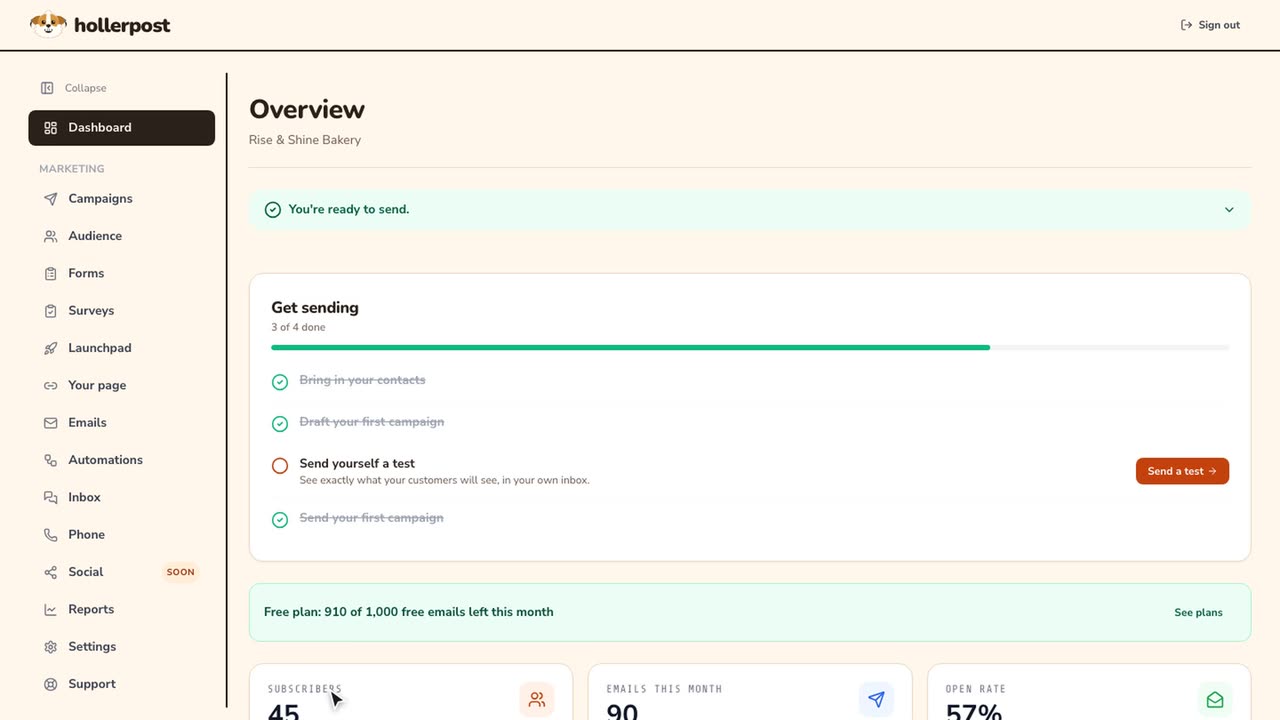
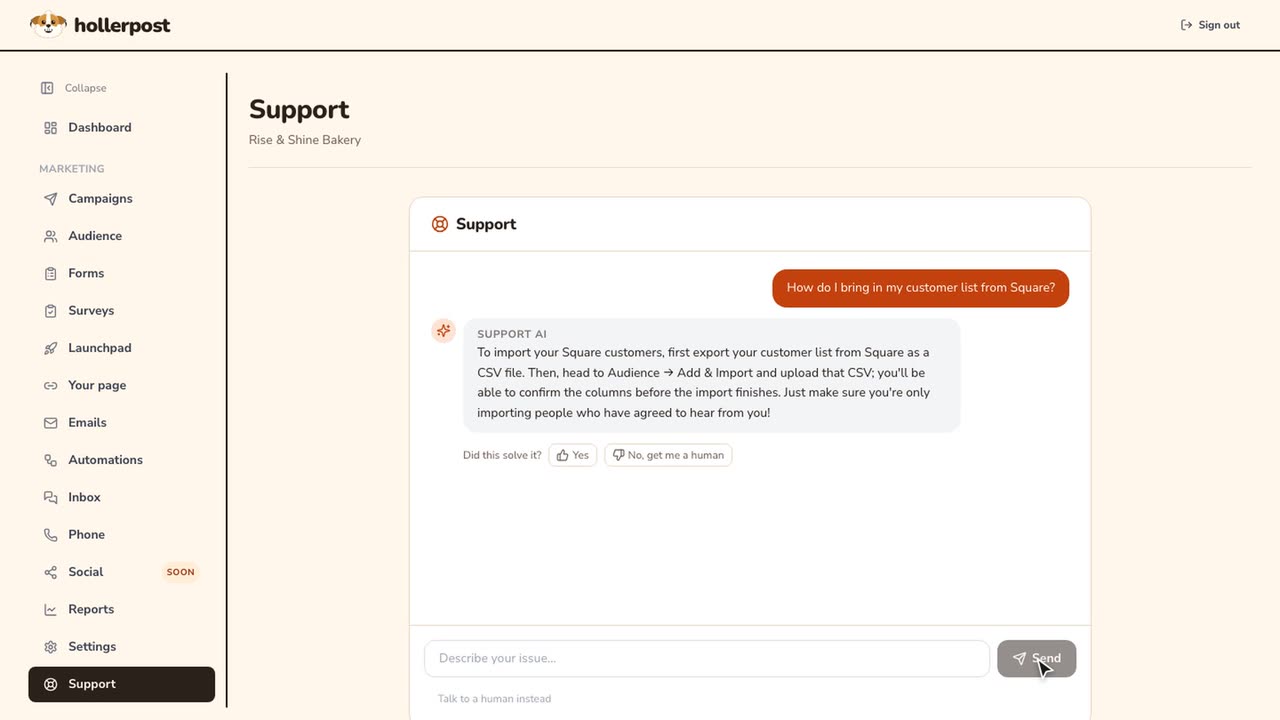
Your dashboard, and where to get help.
Launchpad.
Build a waitlist page, change it, share it, and open on launch day.
 Length 0:58
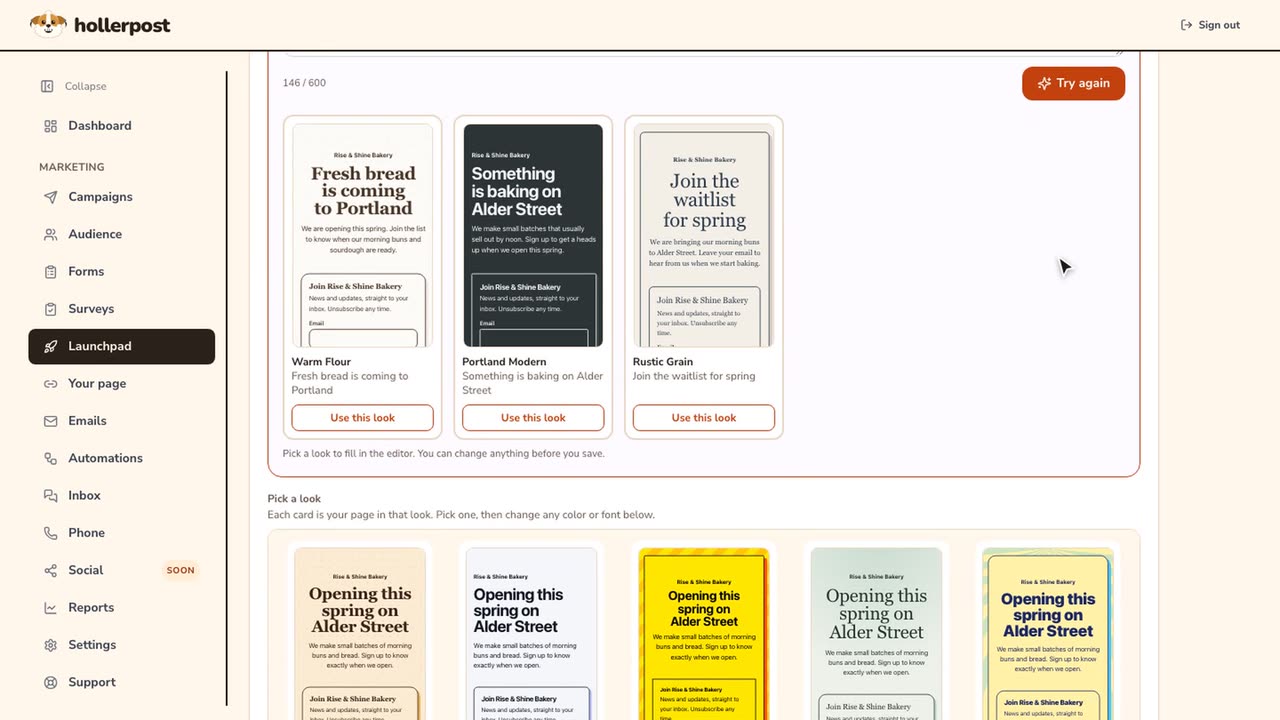
How to build your launch page with Helios.
Describe your business, pick one of three looks, add motion, save.
Watch the video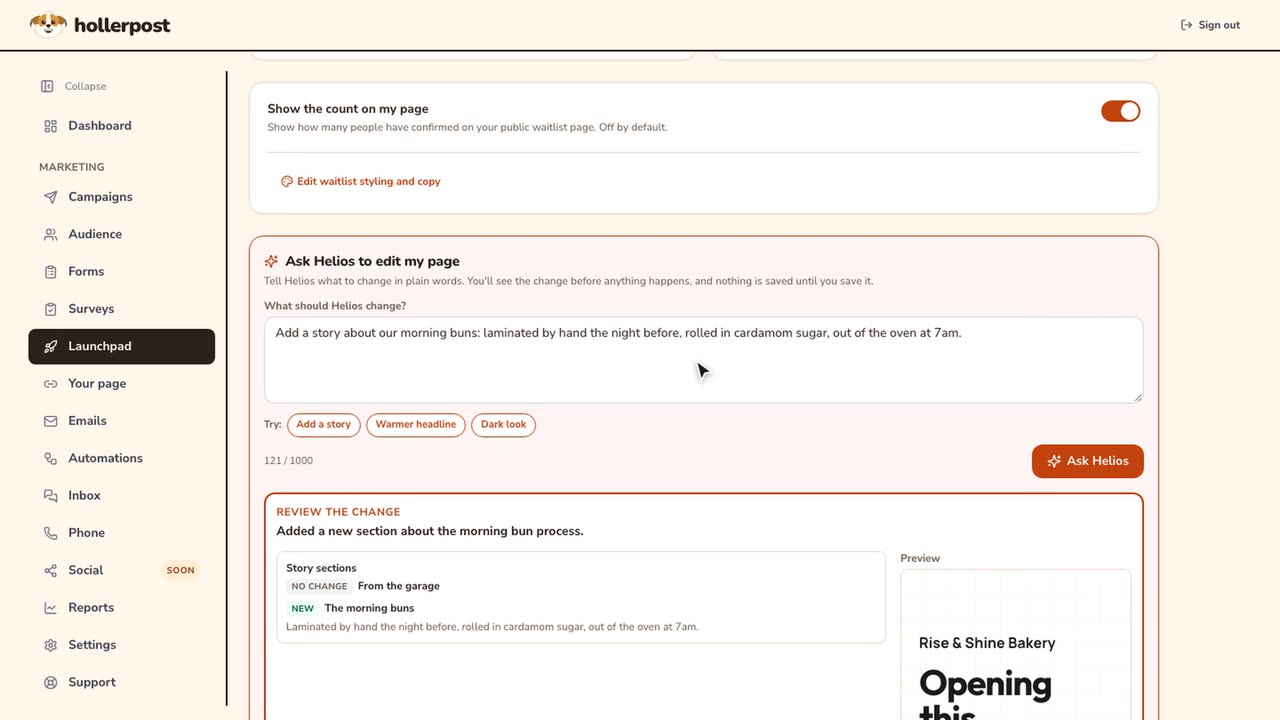 Length 1:00
How to edit your launch page by asking Helios.
Ask for a change in plain words, review it, apply it, save.
Watch the video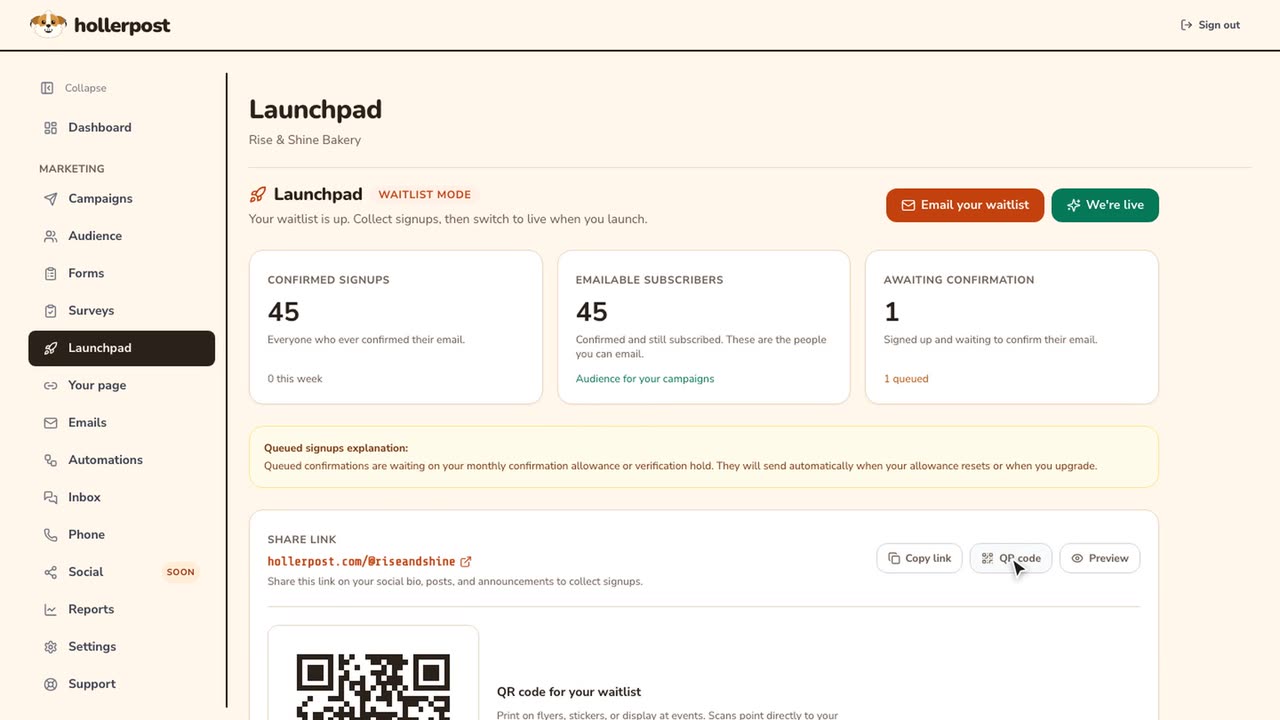 Length 0:35
How to share your launch page and go live.
Copy your link, download a QR code, then open on launch day.
Watch the video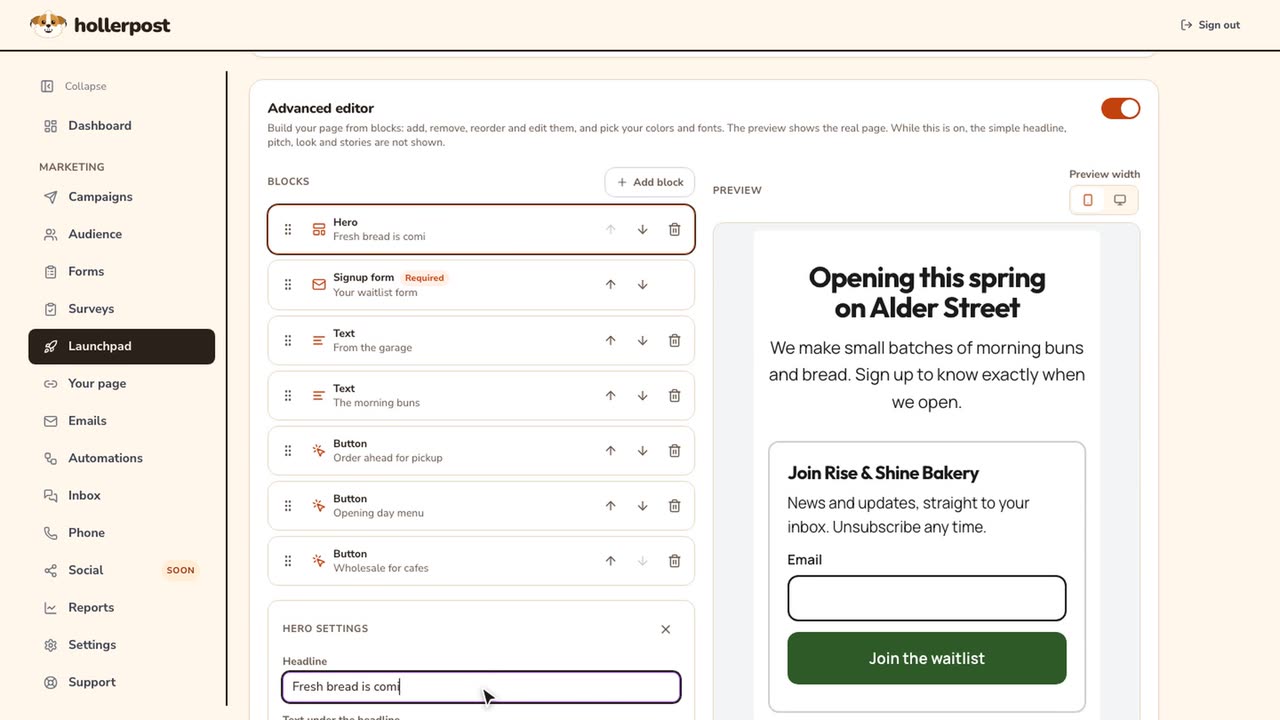 Length 0:54
How to use the advanced launch page editor.
Edit your page as blocks with a live preview.
Watch the video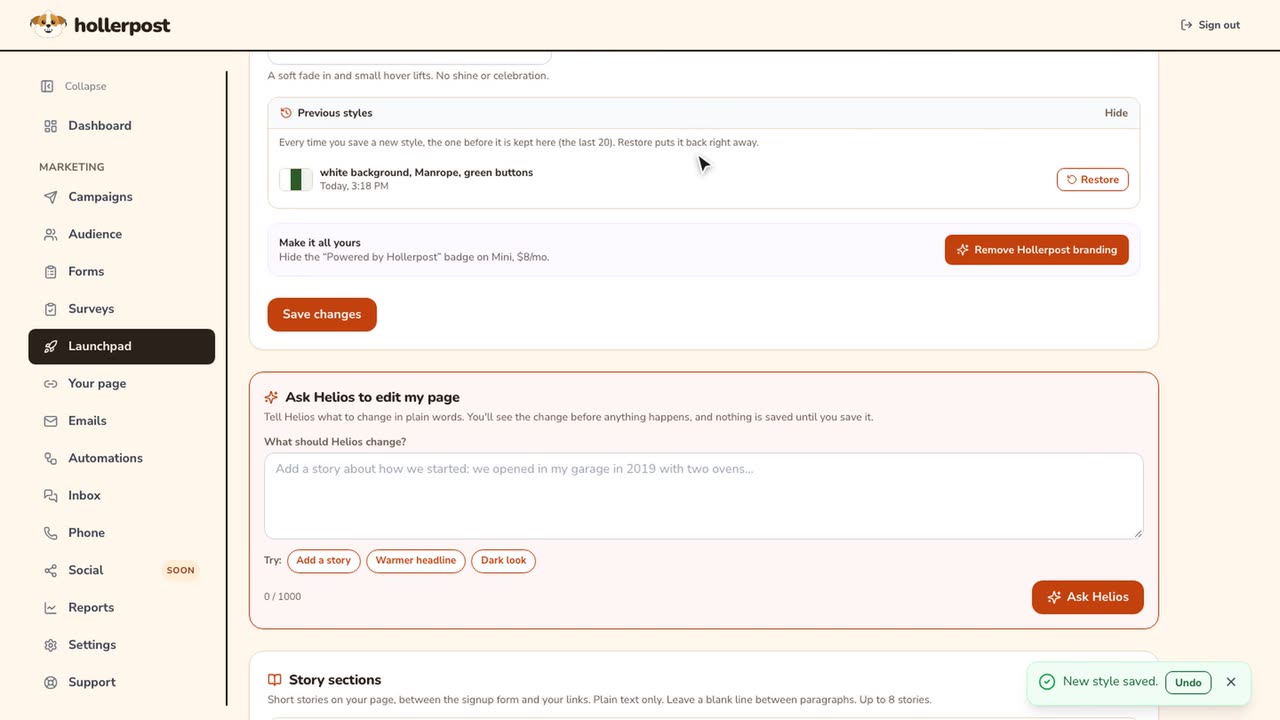 Length 0:50
How to restore an old look or take your launch page offline.
Bring back a look you saved before, or pause the page.
Watch the video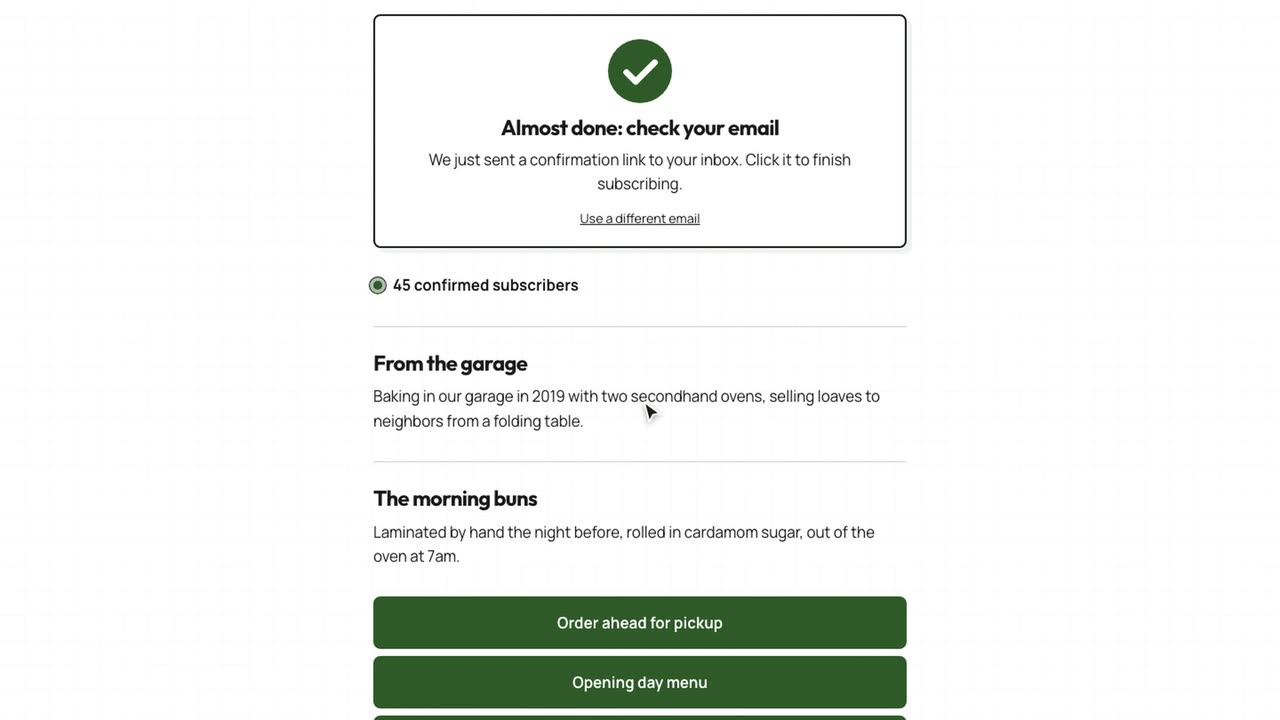 Length 0:36
How customers join your waitlist.
What a visitor sees: the form, the thank-you, and the confirmed page.
Watch the video
Campaigns.
Write, design, check and send an email, then see how it did.
 Length 0:57
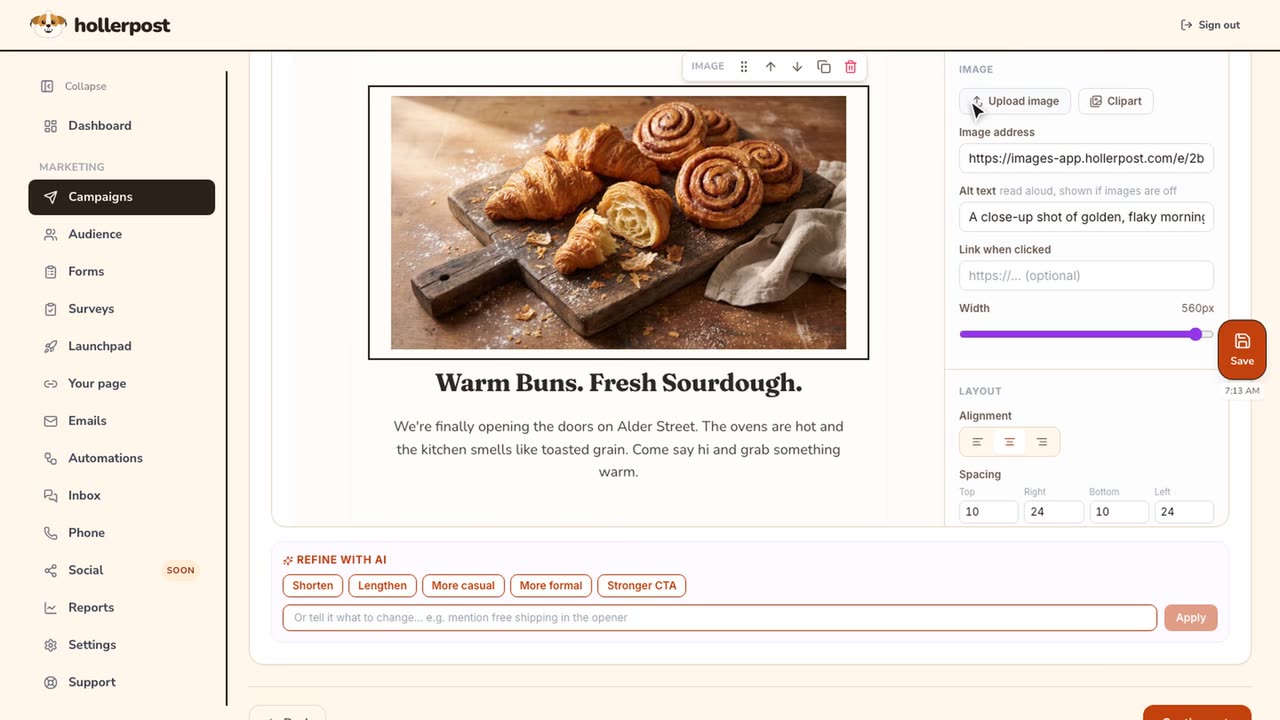
How to design an email with AI.
Describe the email, get a full design, add your photo, ask for edits.
Watch the video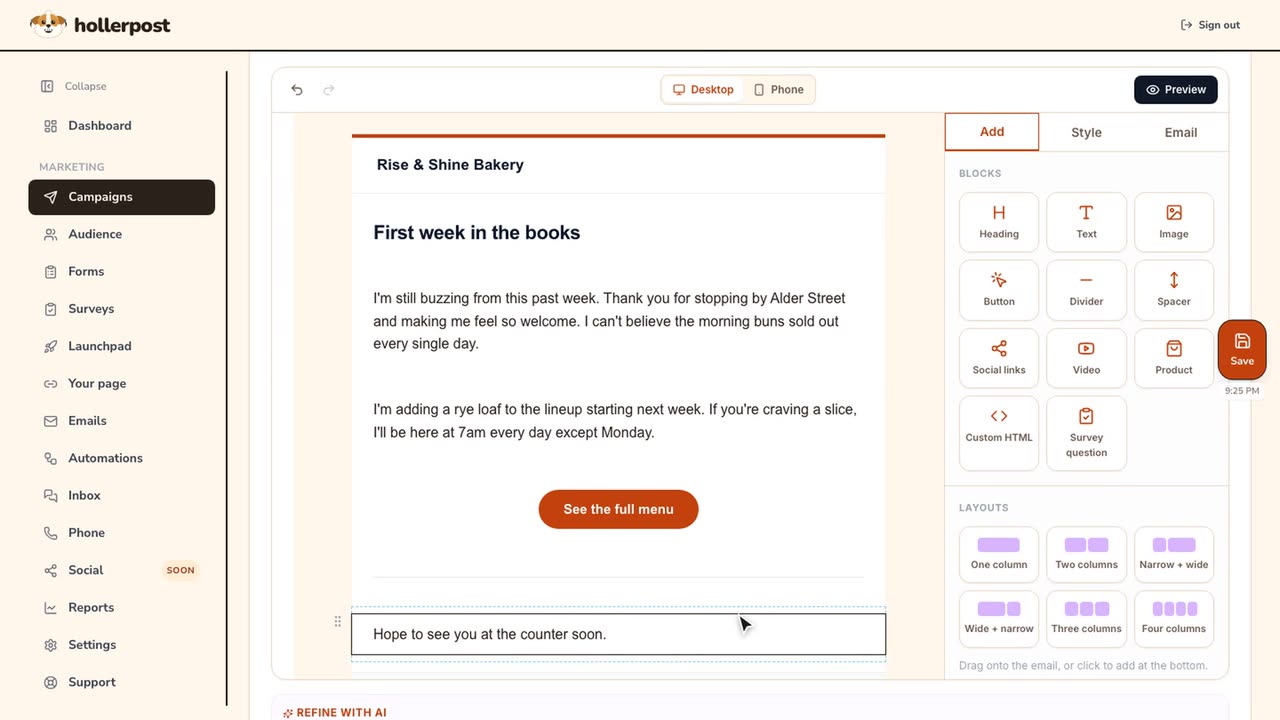 Length 0:38
How to write an email with Write it for me.
Tell it what happened this week. It writes in your voice.
Watch the video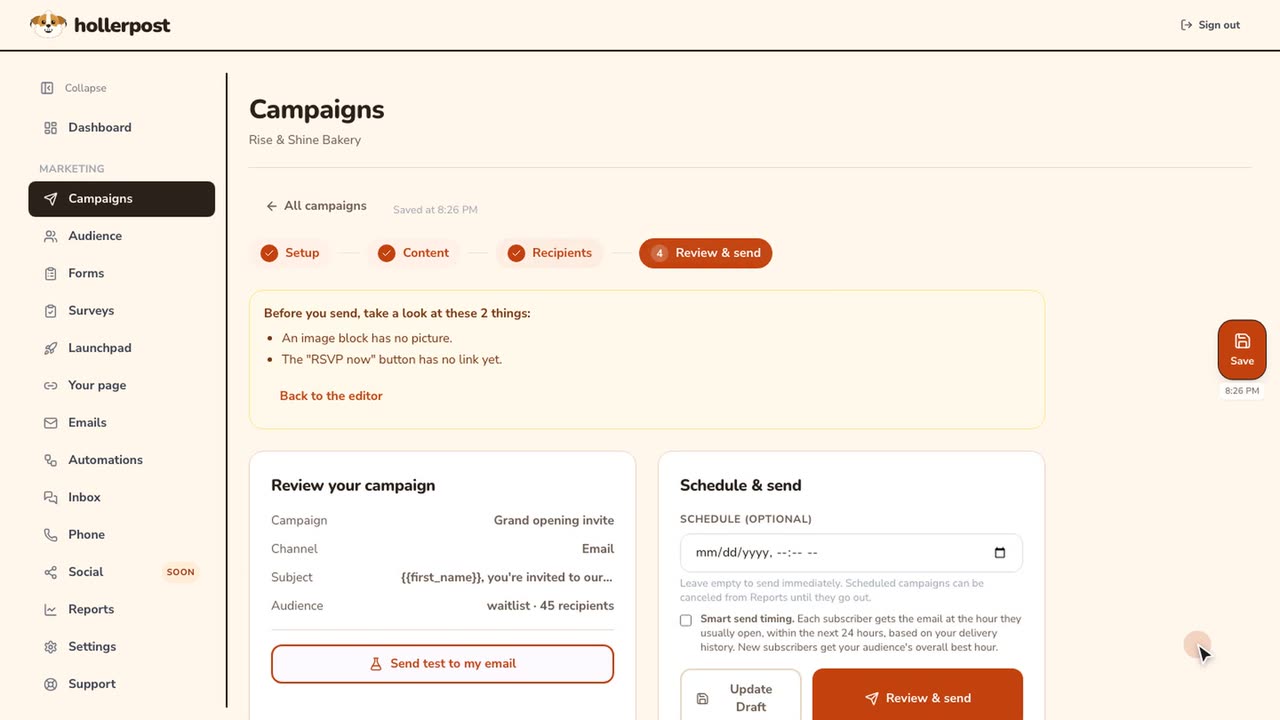 Length 0:52
How to choose recipients and check your email before sending.
Personal subject lines, who gets it, and a check before it goes.
Watch the video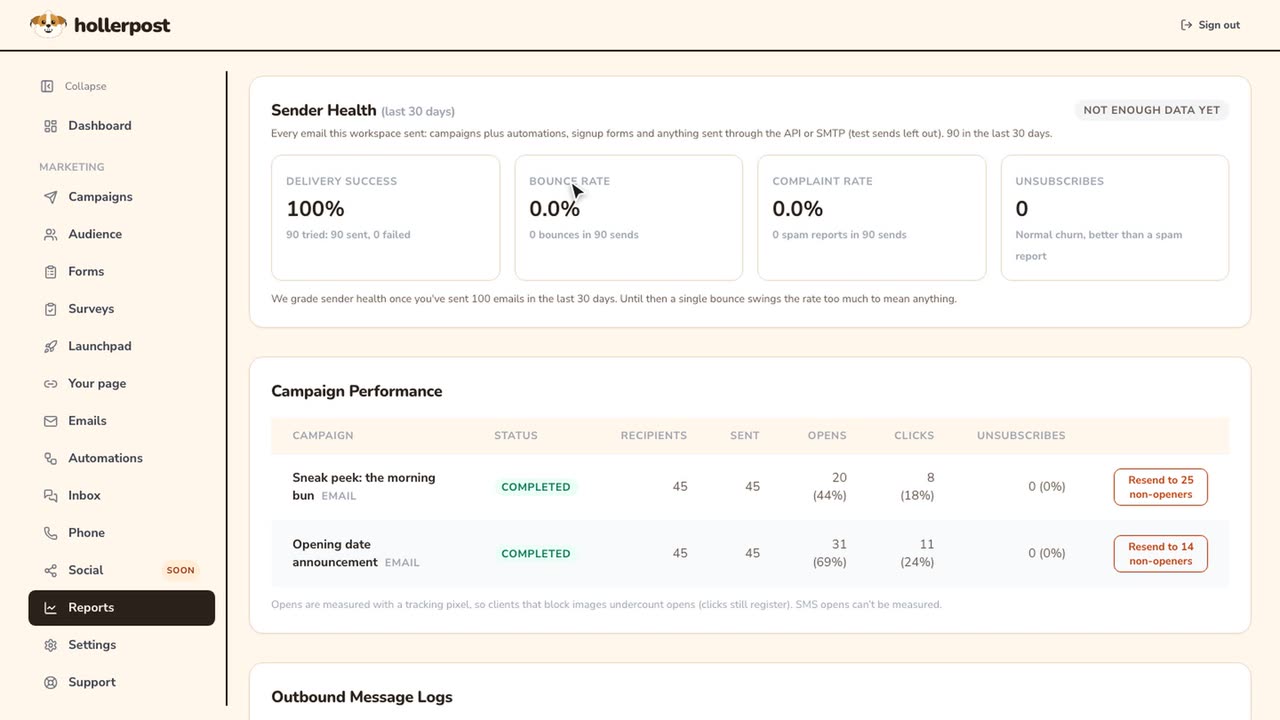 Length 0:36
How to see how your email did.
Delivery health, opens and clicks, resend to non-openers, every email.
Watch the video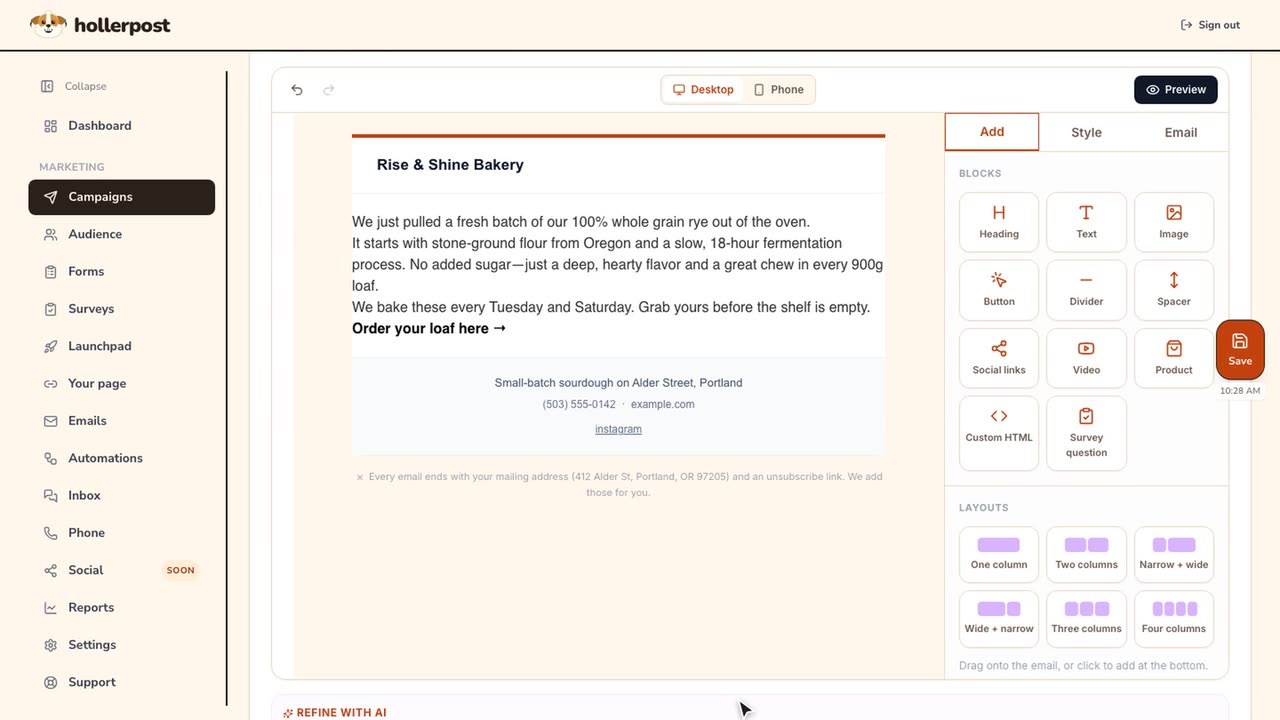 Length 0:28
How to turn notes in another language into an email.
Paste a supplier's notes in any language and get an email in your words.
Watch the video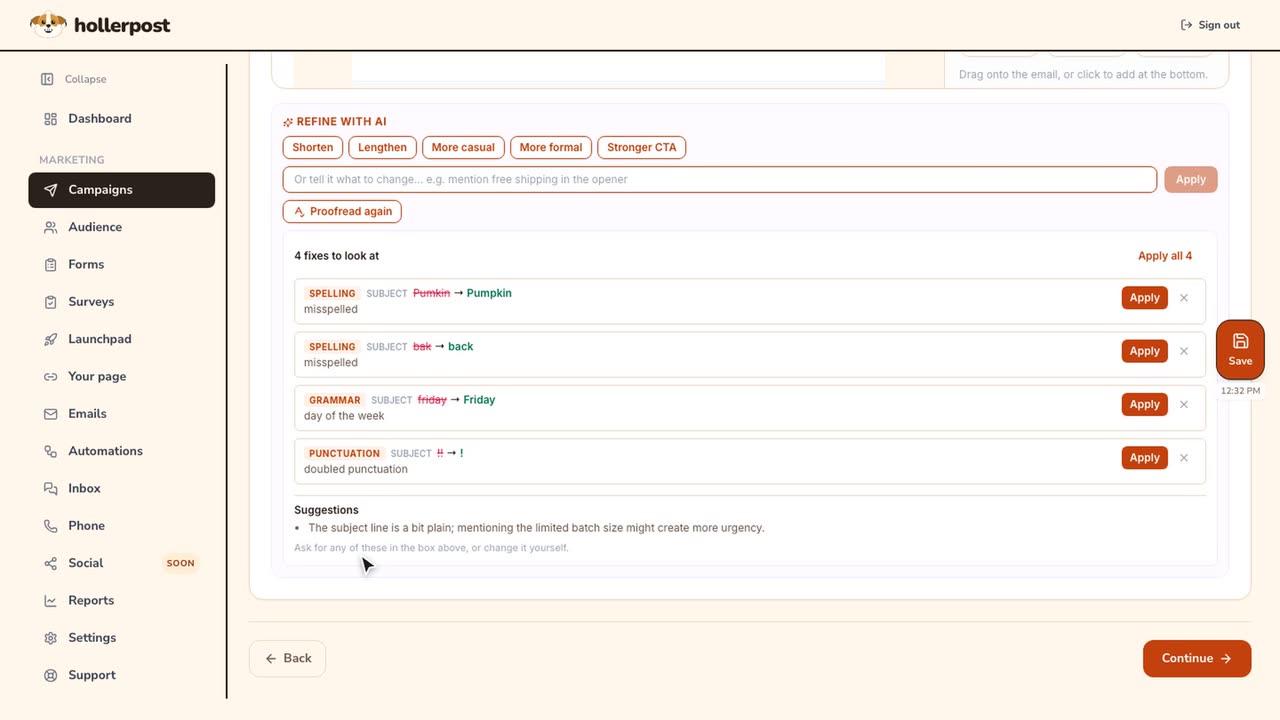 Length 0:56
How to give AI a good brief and proofread your email.
Tips that tick off as you write, then Proofread and suggest.
Watch the video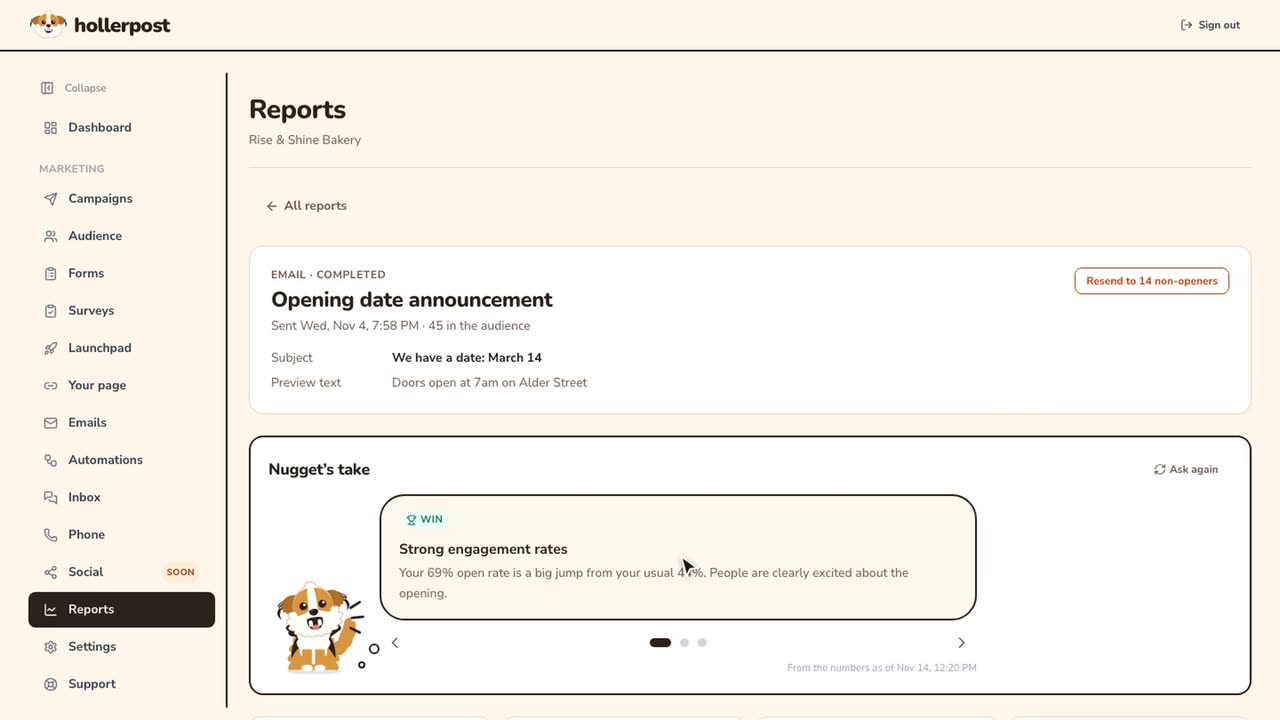 Length 0:45
How to read your campaign report.
Nugget's take, each number next to your usual, timing, and who did what.
Watch the video
Audience.
Find your contacts, bring people over, and collect signups from your website.
 Length 0:20
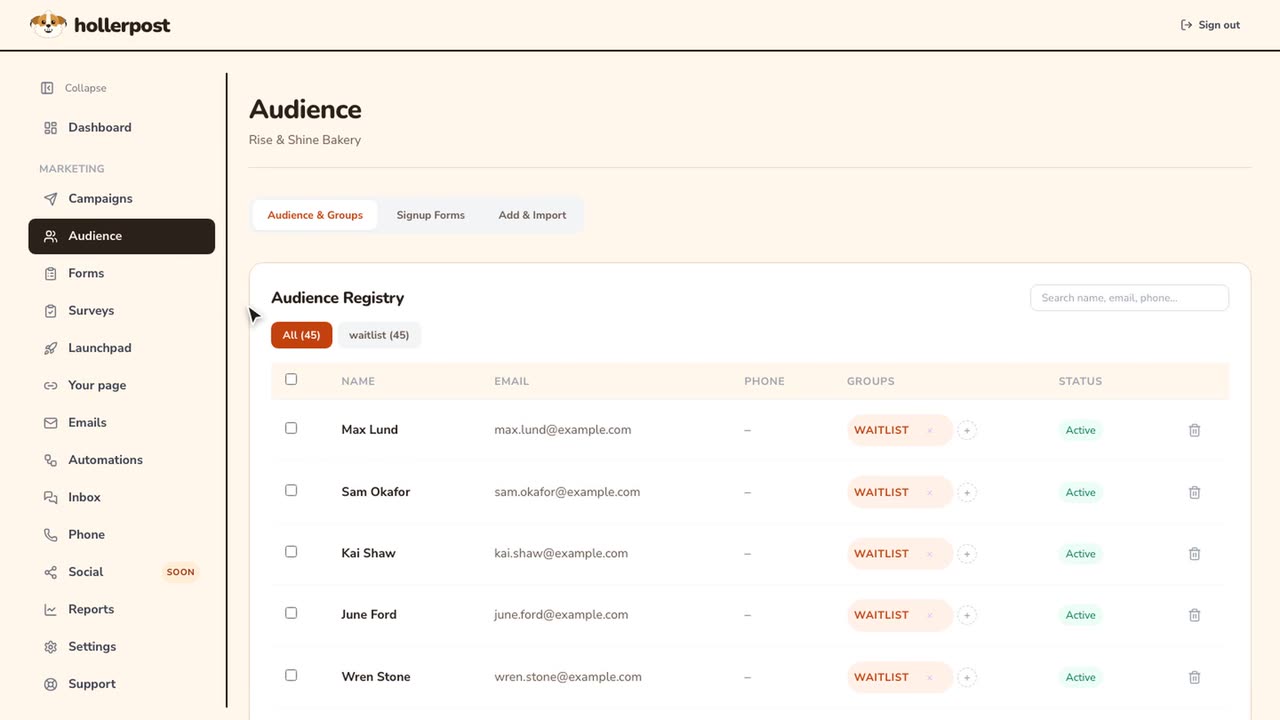
How to find and sort your contacts.
Your whole list in one place, sorted by group, searchable.
Watch the video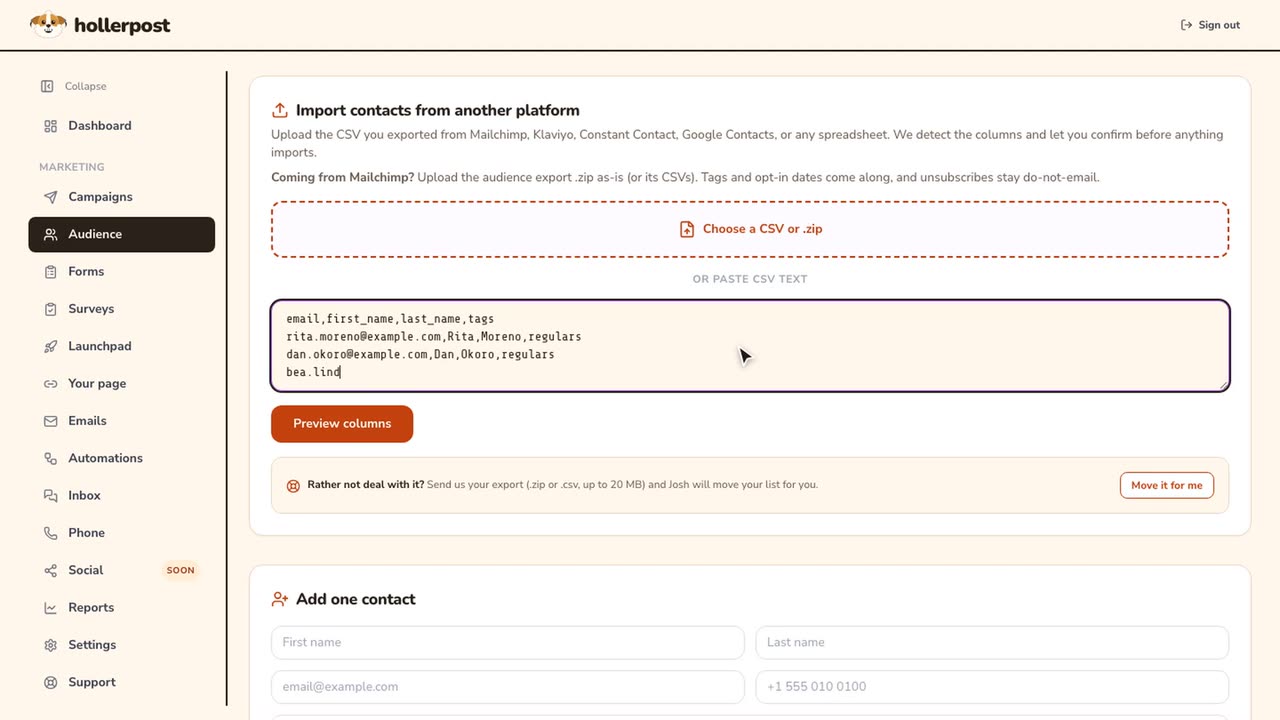 Length 0:43
How to add and import contacts.
Add one person, or bring a list from Square, Mailchimp or a spreadsheet.
Watch the video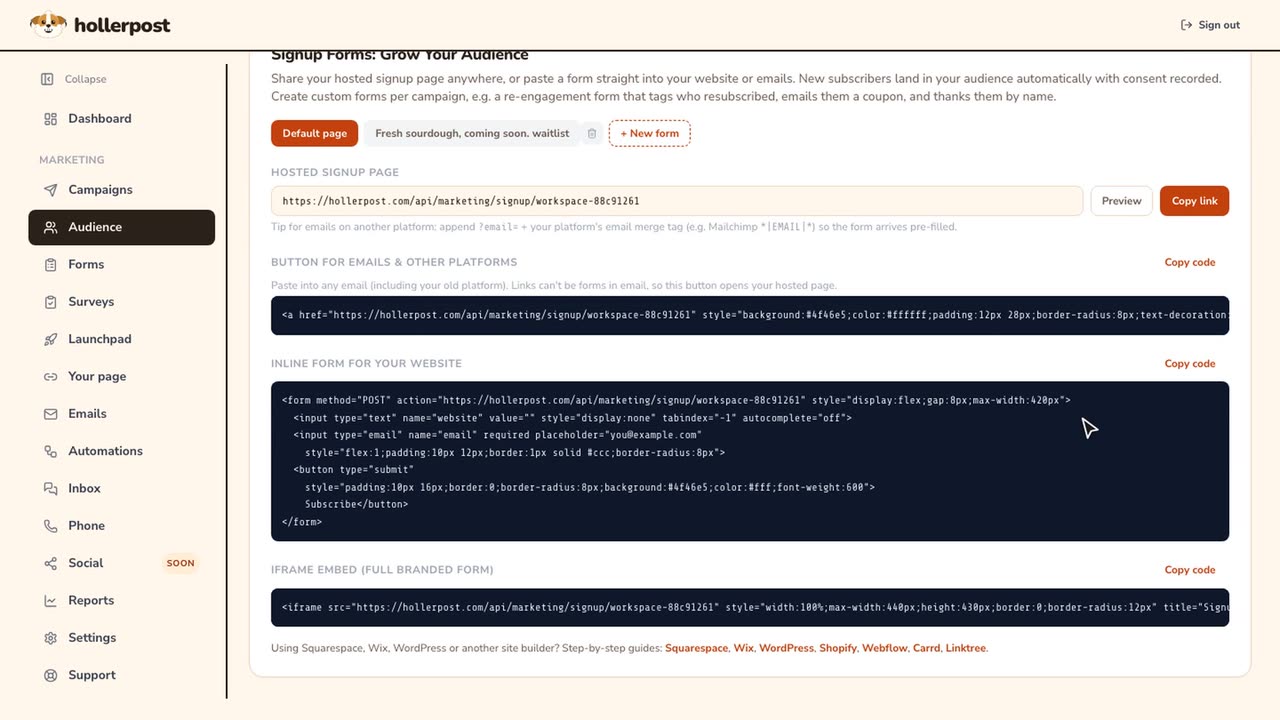 Length 0:27
How to add a signup form to your website.
A link to share, or a form to paste into your site.
Watch the video
Forms and surveys.
Ask customers for an order, an opinion or a rating.
 Length 0:45
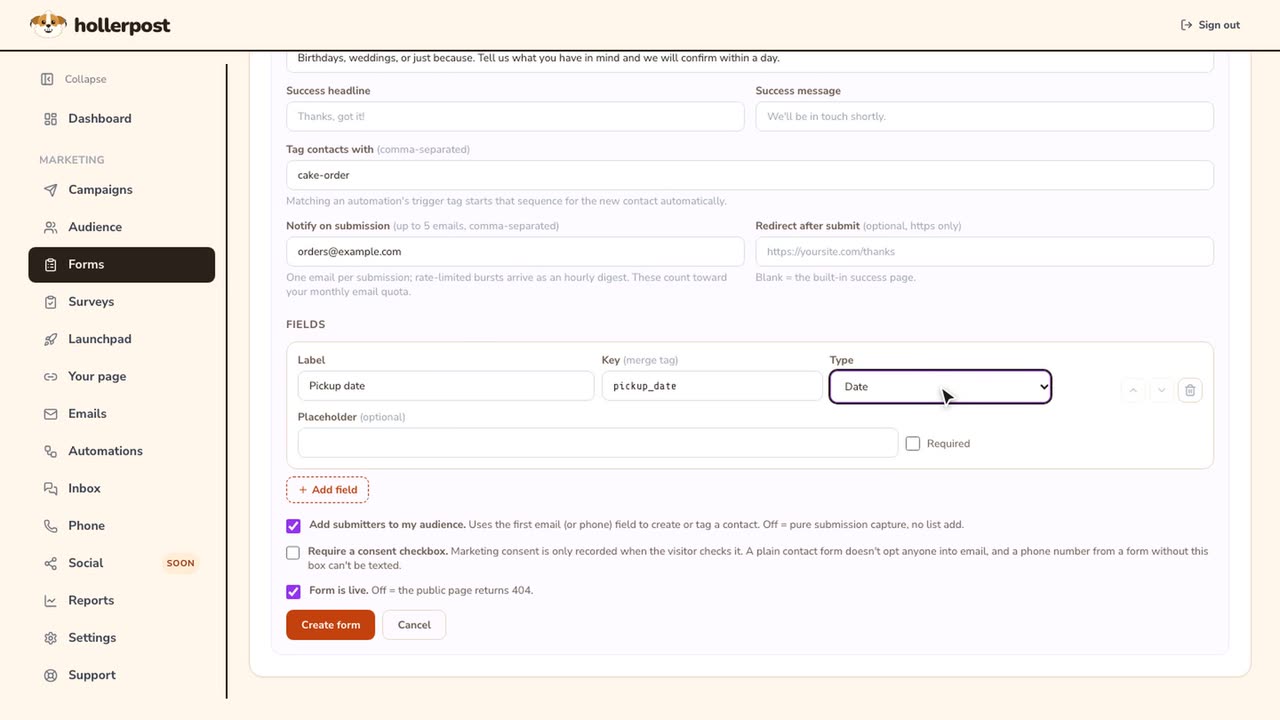
How to build a custom form.
An order or request form with your own questions, on any site.
Watch the video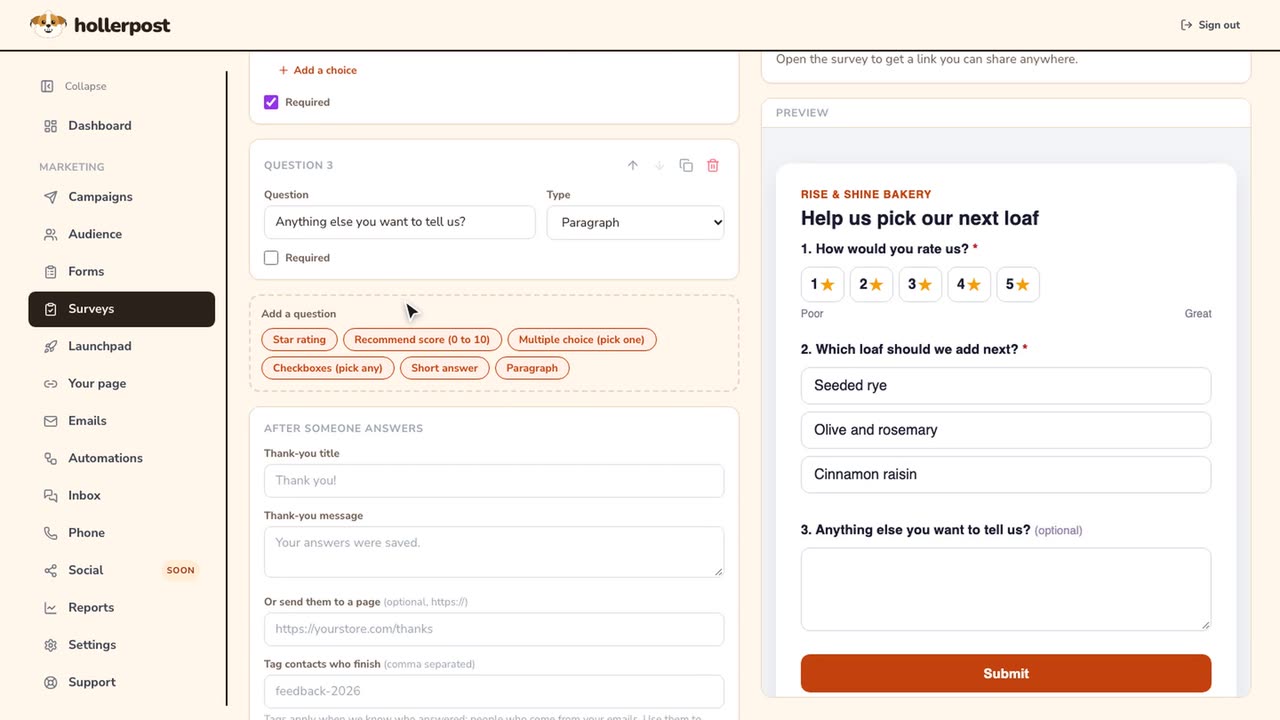 Length 0:46
How to create a customer survey.
Start from three questions, change them, preview, share the link.
Watch the video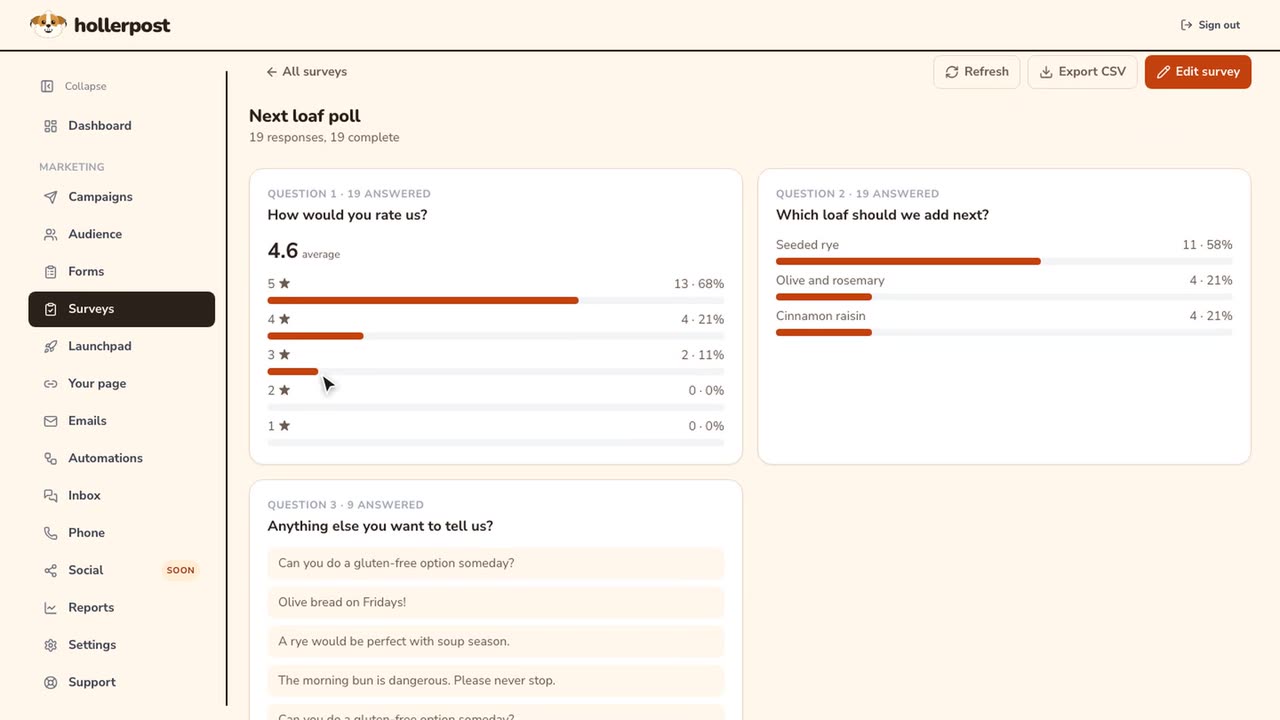 Length 0:27
How to read your survey results.
Ratings, the top choice, written comments, and a CSV export.
Watch the video
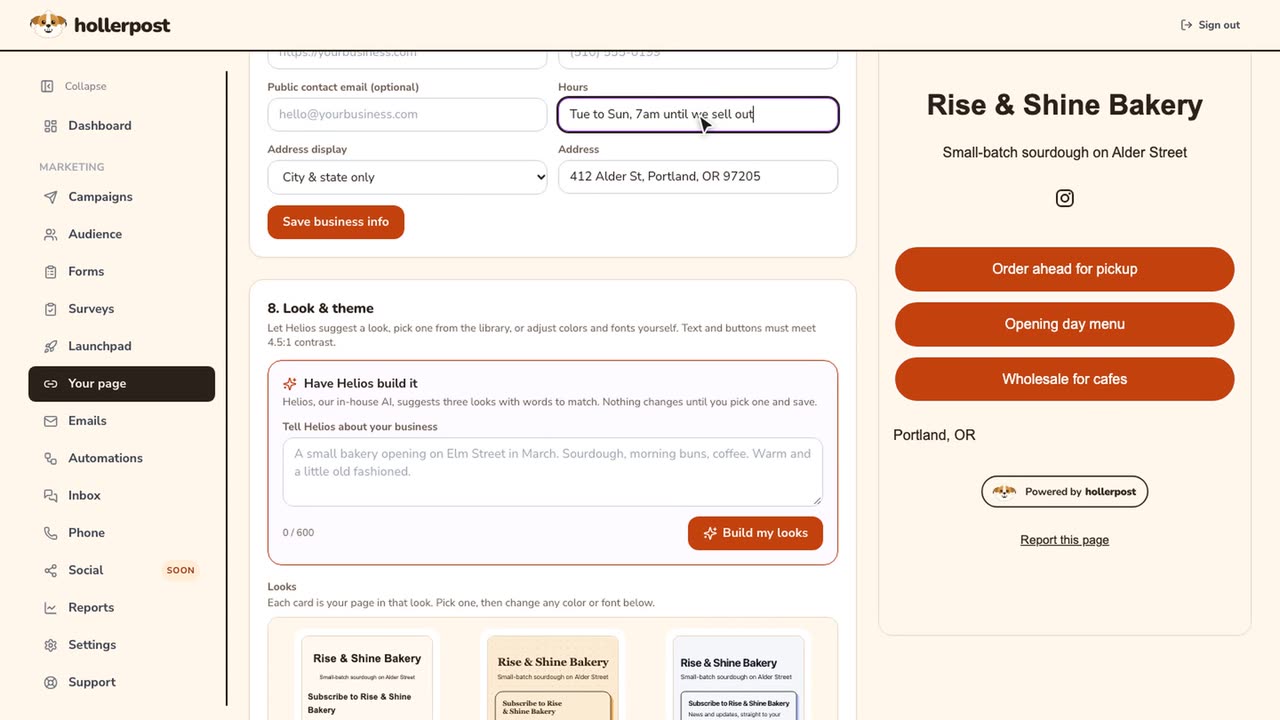
Your page.
One link for your bio, with signup first and your links under it.
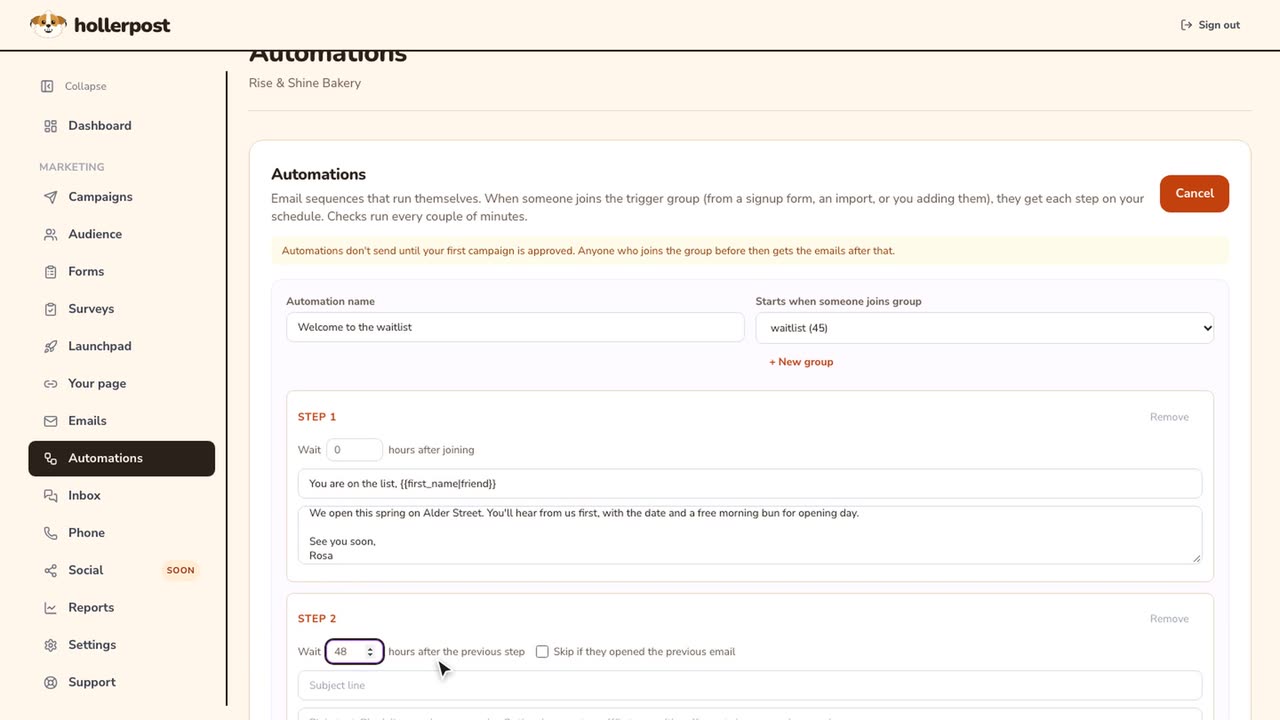
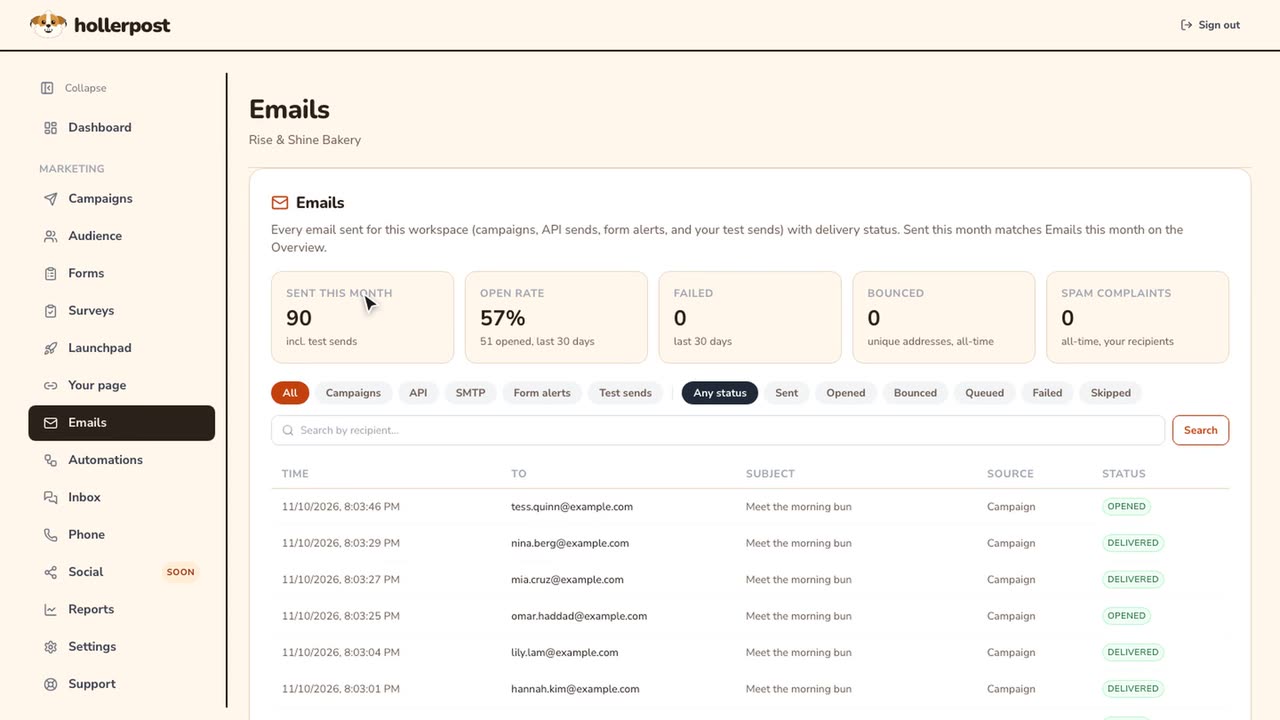
Automations and email log.
Emails that send themselves, and a record of every email you sent.
Inbox, phone and social.
Texts, calls and voicemail in one place.
 Length 0:29
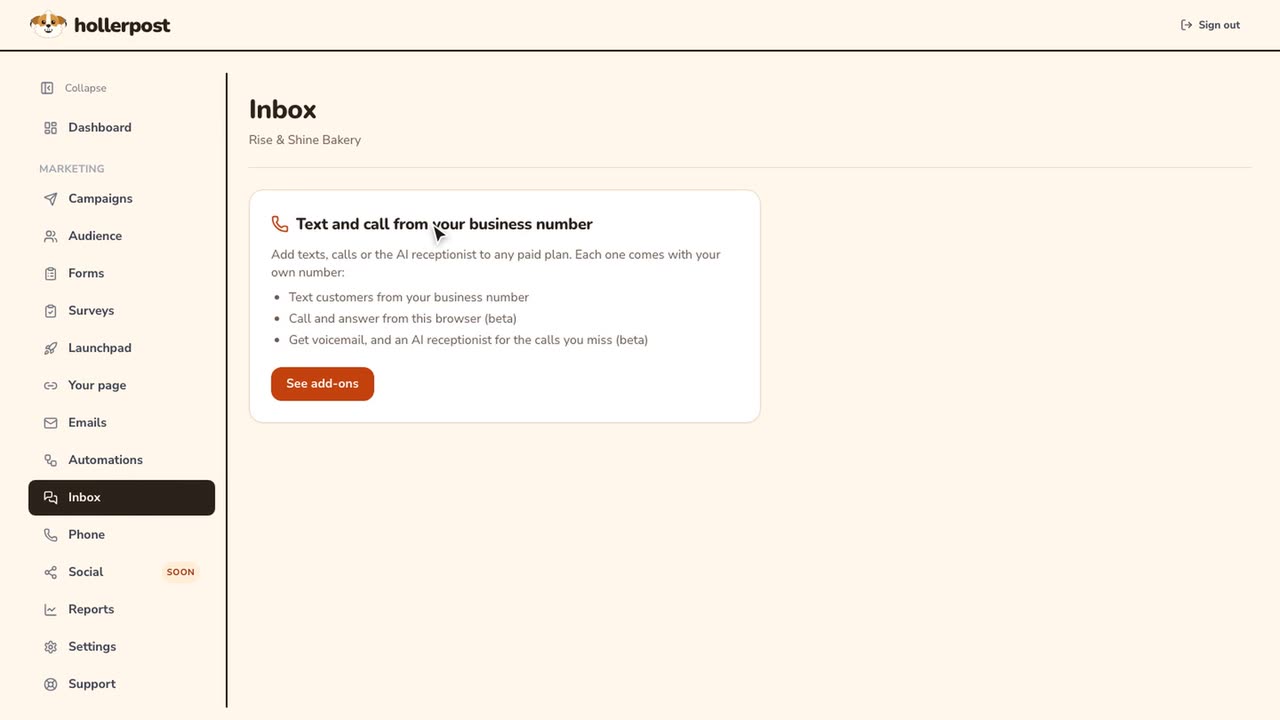
How to add texts, calls and an AI receptionist.
Texts, calls Beta and an AI receptionist Beta: where to find them and which plans they go with.
Watch the video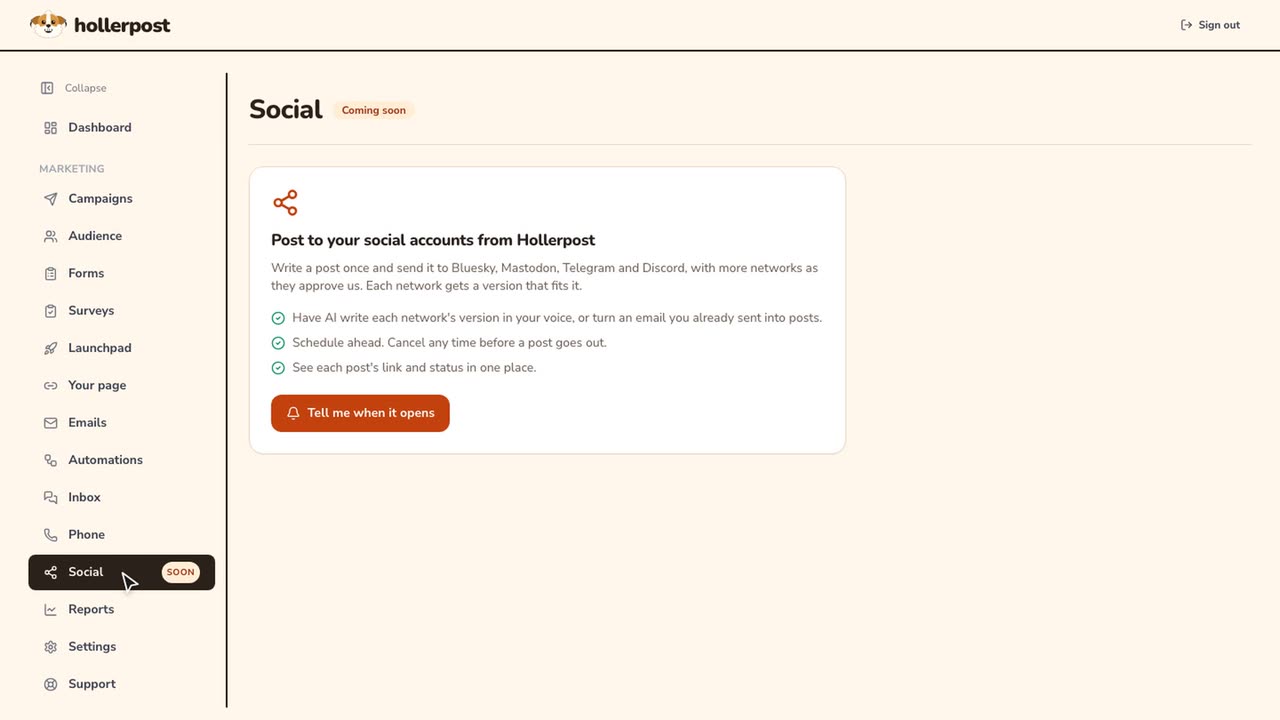 Length 0:15
How to get told when social posting opens.
Social posting is coming soon. One tap to hear when it opens.
Watch the video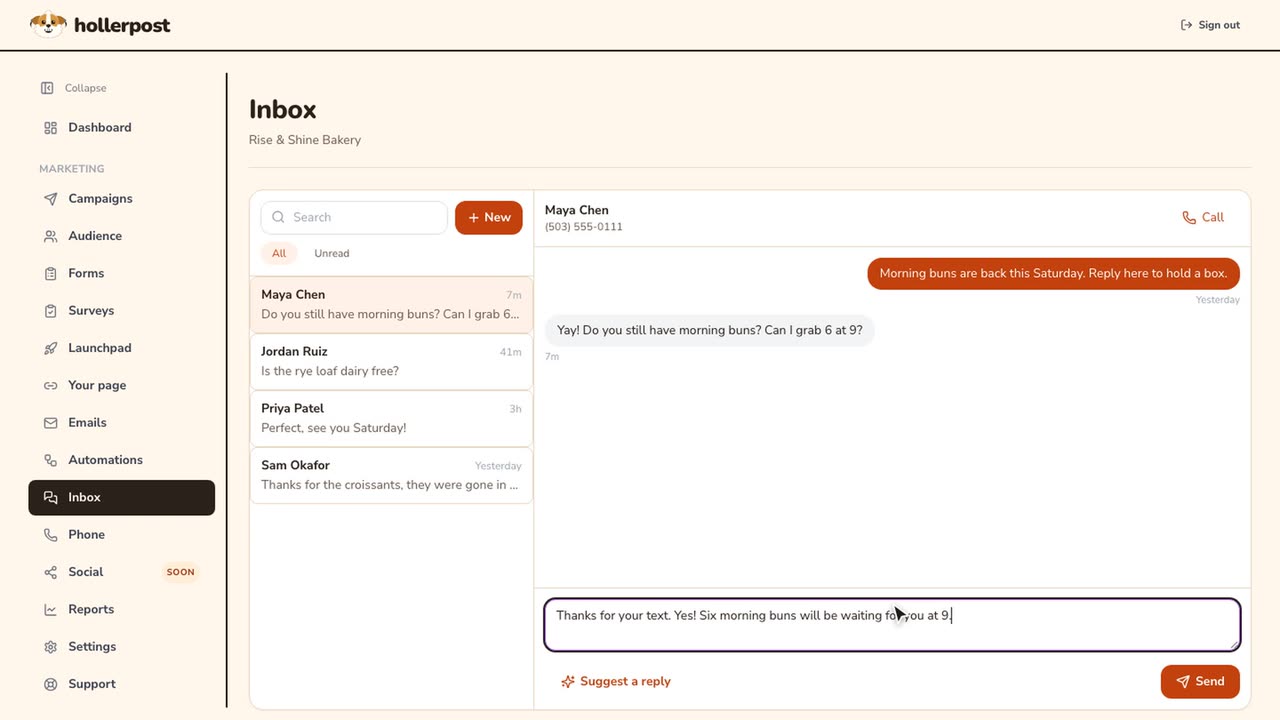 Length 0:52
How to reply to texts and check calls and voicemail.
Text replies with a suggestion, plus calls and voicemail summaries. Beta
Watch the video
Settings.
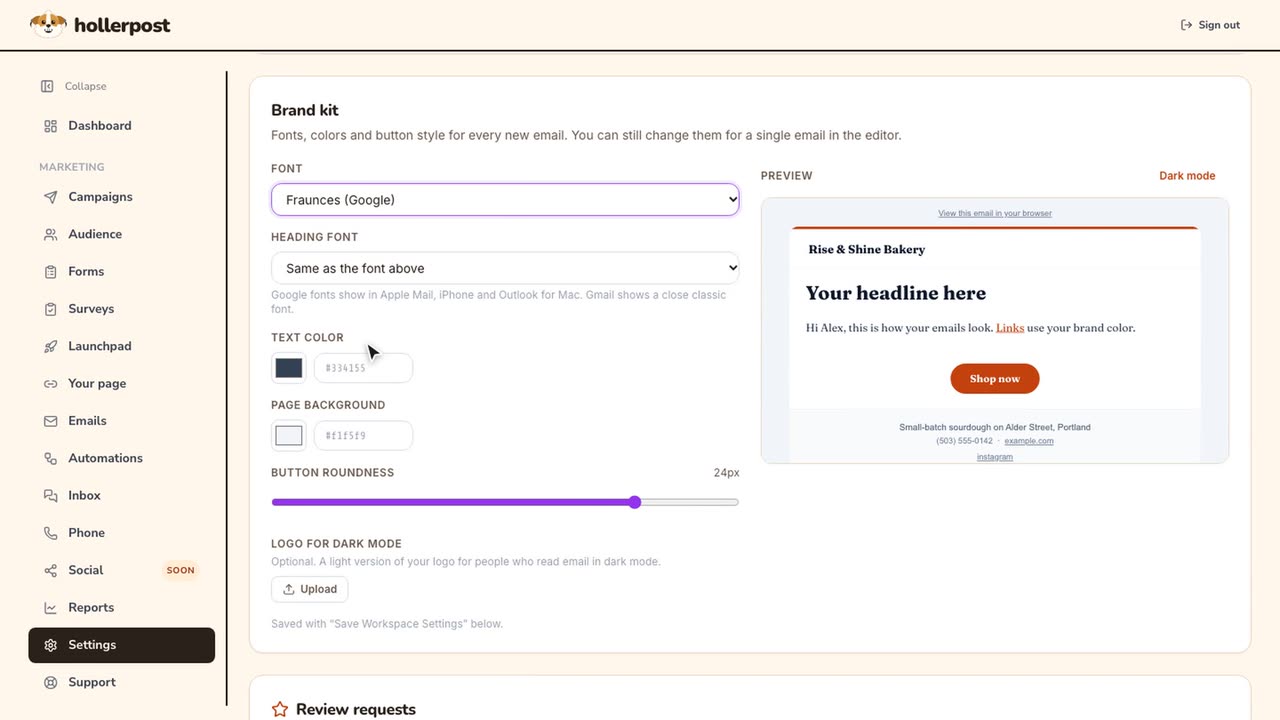
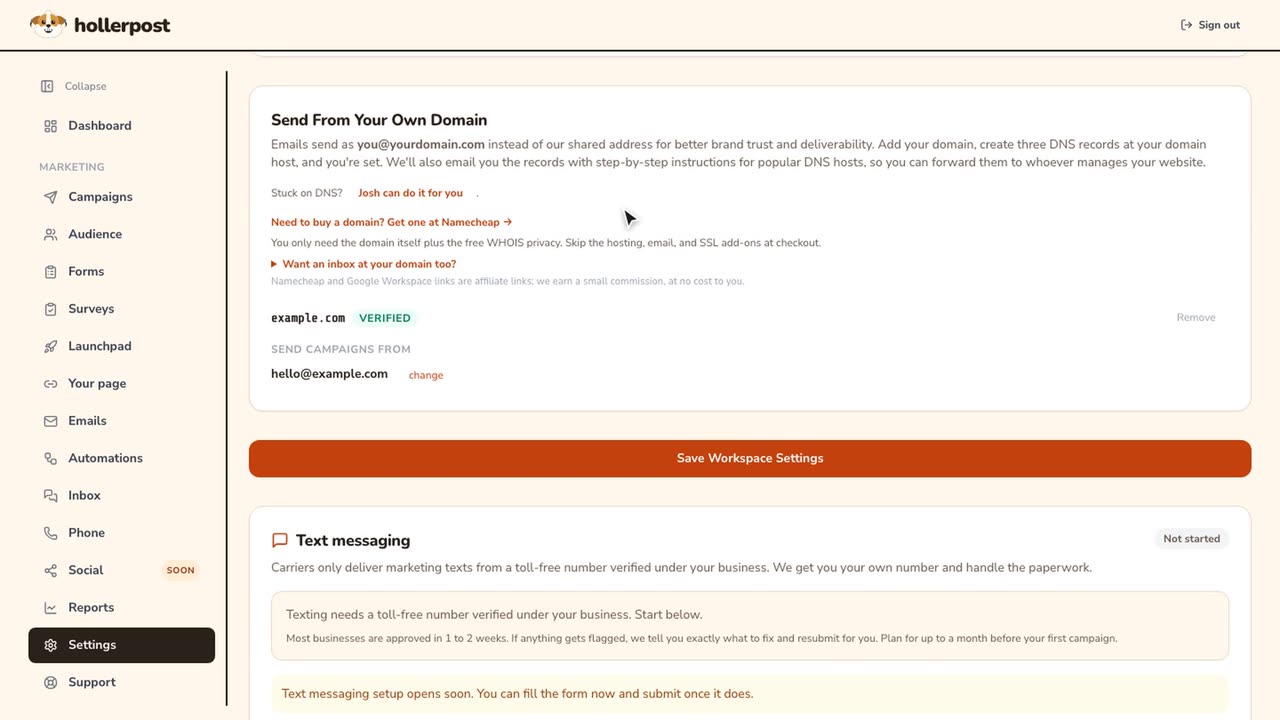
Your brand, your sending domain, your plan and your data.
Quick clips.
Short versions recorded on a phone. Each one plays on the page of the topic it belongs to.
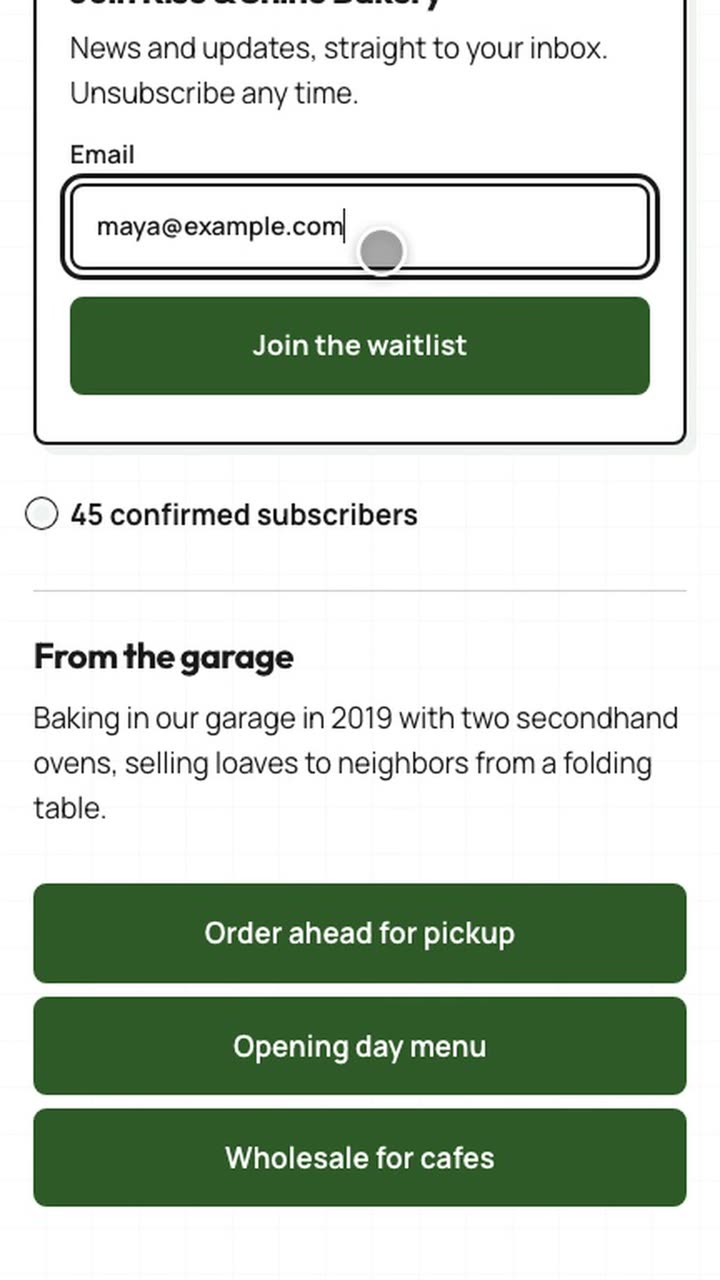 Length 0:21
Your page on a phone.
What visitors see: signup first, then your links.
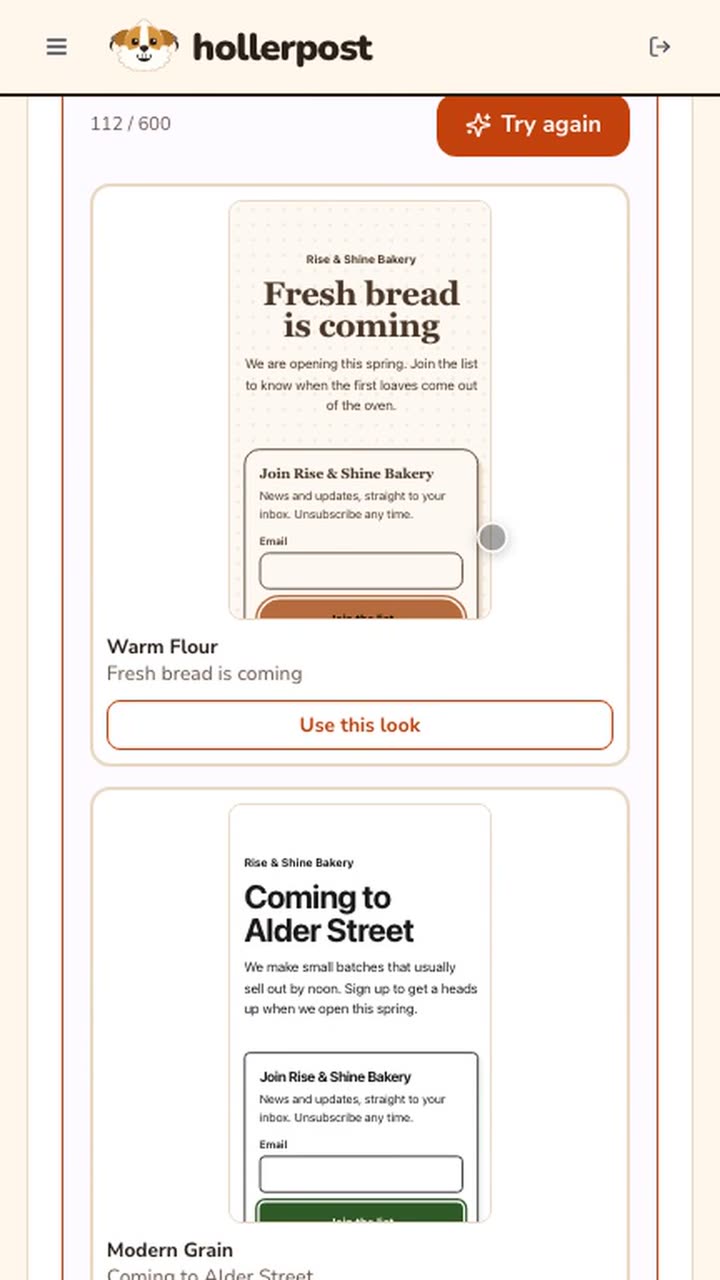 Length 0:39
Launchpad and Helios on a phone.
Describe your business and pick a look, from your phone.
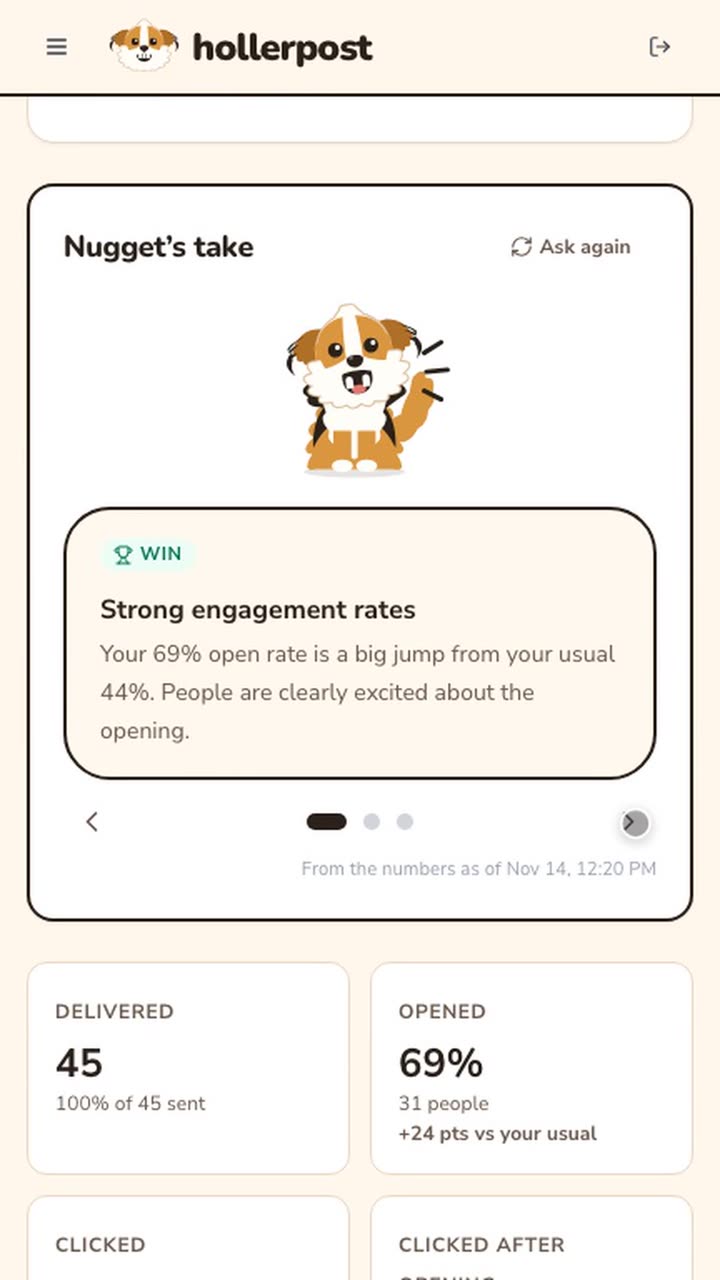 Length 0:23
A campaign report on a phone.
Nugget's take and every number, on your phone.
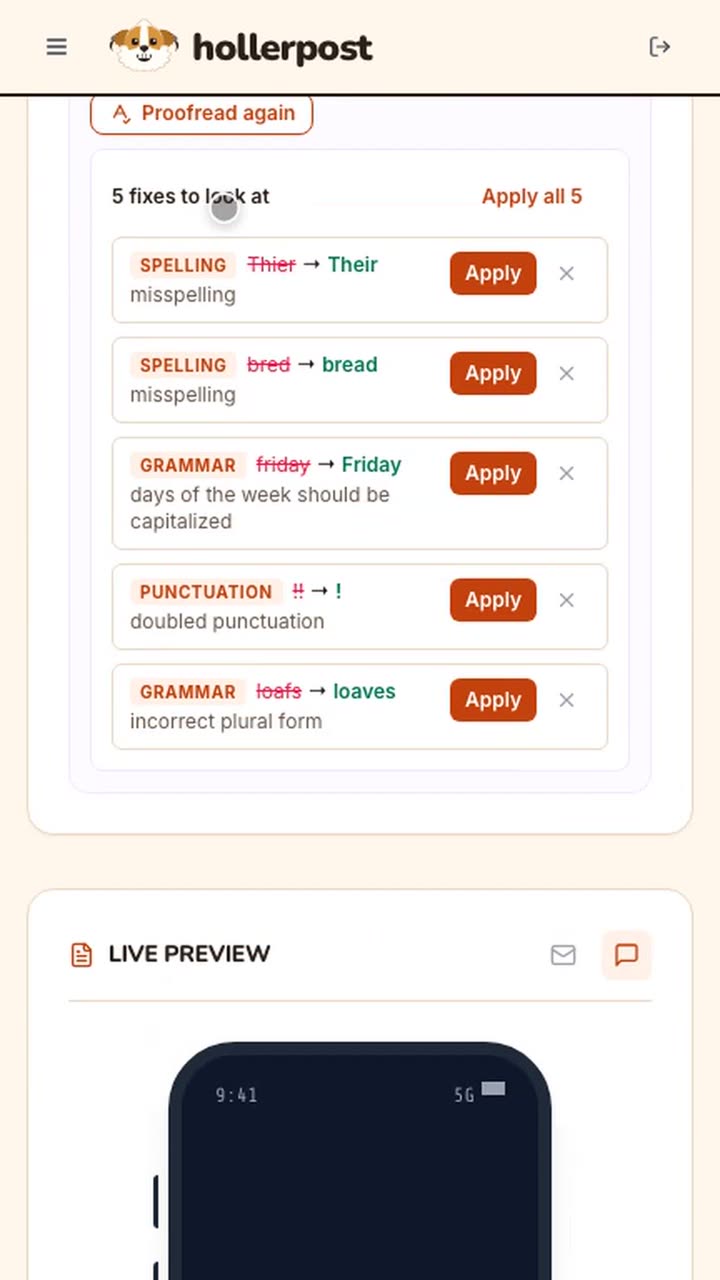 Length 0:28
Proofread a text on a phone.
Catch typos before you send a text.
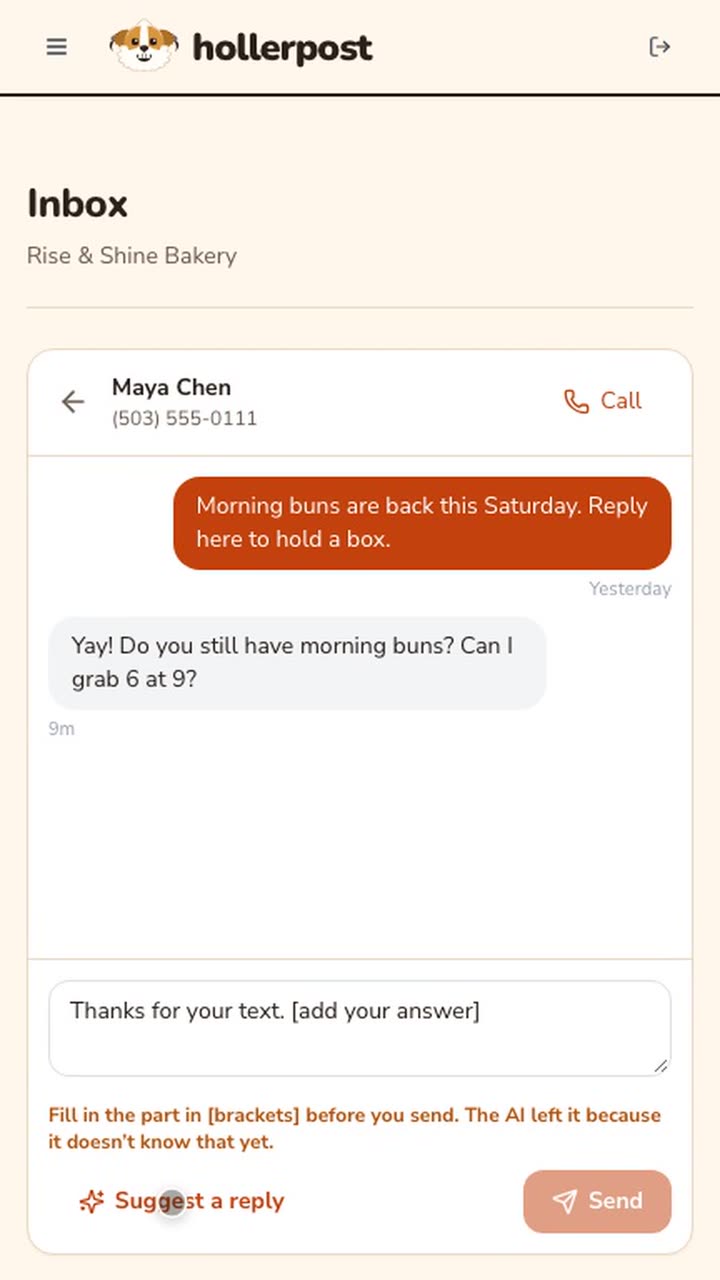 Length 0:16
Reply to a text on a phone.
Suggest a reply, fill in what only you know.
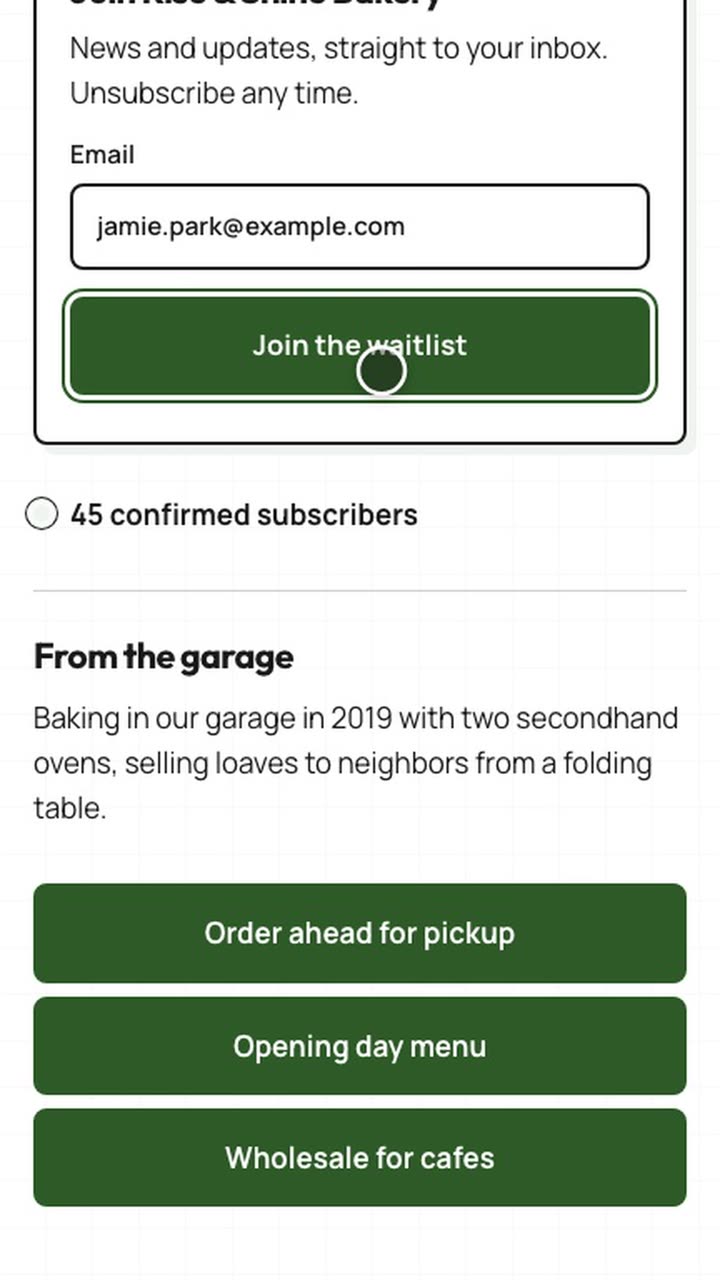 Length 0:20
Joining a waitlist on a phone.
What a customer sees when they join from a phone.
Every video uses a demo business, Rise & Shine Bakery. Names, numbers and addresses in them are made up.
Try it with your real list this week.
Free includes 1,000 emails a month, no card. Paid plans from $8/mo. See pricing.